The most useful question about local AI is not “Can this model run on my machine?” It is “Which parts of this workload should run here?”
In 2026, teams can choose among ordinary GPU workstations, compact systems built for local agents, cloud inference, and hybrid architectures that combine them. Local AI can reduce round-trip latency, keep sensitive data closer to its source, and support work when connectivity is limited. Cloud AI still offers the broadest access to frontier models, elastic capacity, and managed operations. A hybrid design often delivers the best balance.
This guide explains how to choose. It covers model size, memory, latency, privacy, offline operation, cost, maintenance, and security. Hardware capacities below are vendor-stated capabilities, not independent benchmarks.
What does “local AI” mean?
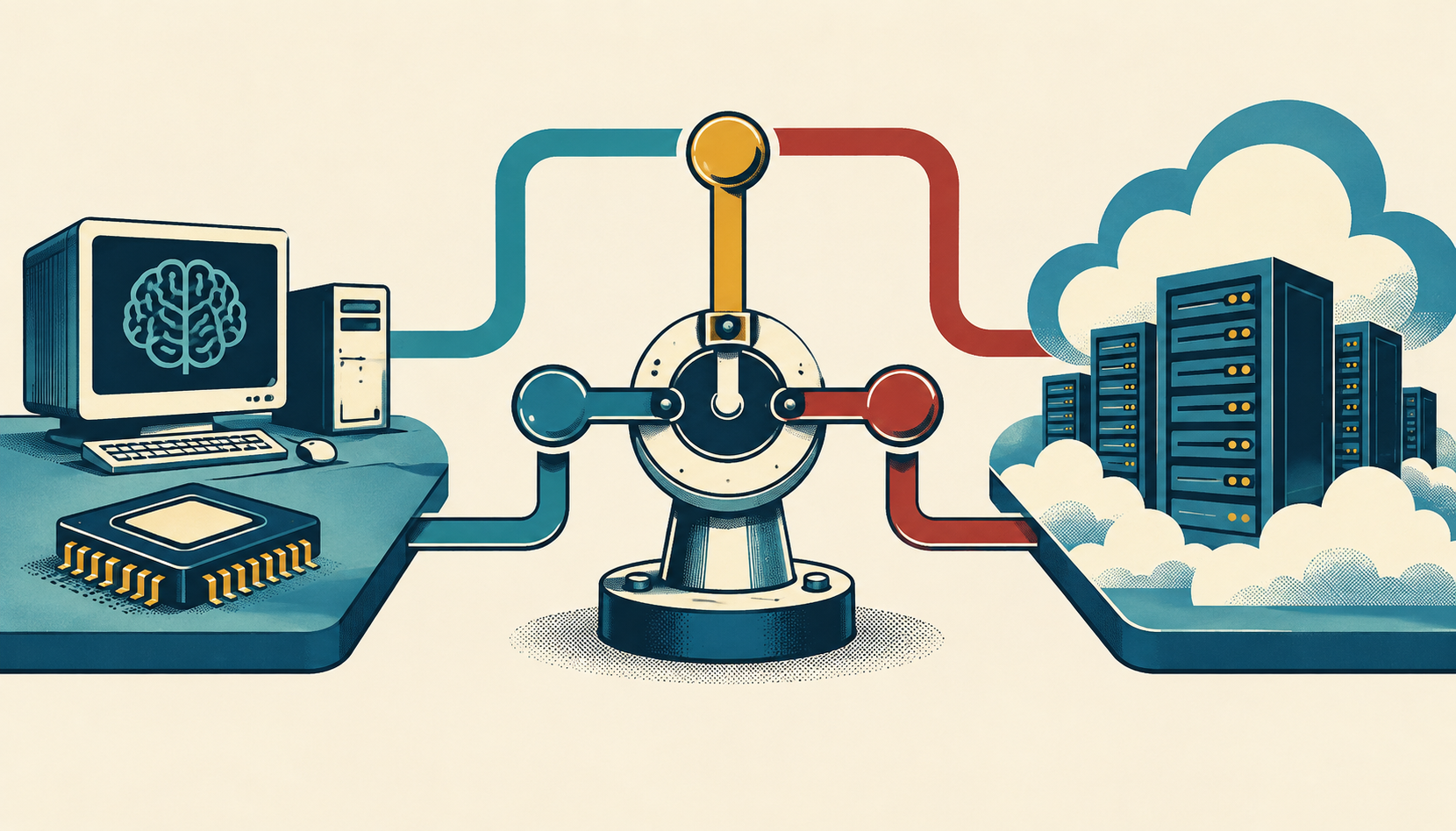
Local AI runs some or all inference on hardware controlled by the user’s organization: a laptop, desktop, workstation, edge device, or on-premises server. “On-device” usually means the model runs directly on the endpoint. “Edge AI” is broader: it can include devices deployed near a data source, such as a factory, clinic, vehicle, or retail site. “Cloud AI” sends requests to infrastructure operated by a provider. “Hybrid AI” places each step where it makes the most operational sense.
These terms describe deployment choices, not quality levels. A small local model may be the right tool for classification, extraction, autocomplete, or a narrow offline assistant. A cloud model may be preferable for difficult reasoning or occasional high-volume work. An agent might use local retrieval and policy checks while escalating a complex request to the cloud.
Why local AI is becoming a deployment decision
Local AI is increasingly relevant to production architecture because applications are moving beyond chat toward repeatable actions and workflows. OpenAI’s enterprise research describes movement from assistance toward execution, while O’Reilly’s September 2026 trend report highlights competitive small models and integrated agents. These sources describe industry direction, not a universal adoption forecast.
As a system gains access to documents, credentials, devices, or business processes, workload placement matters more. Teams may need predictable latency, data residency, or offline operation; they may instead value frontier capability, burst capacity, or managed operations. Separate workloads before deciding that an entire organization should be local or cloud.
What can you realistically run on local hardware?
Memory is often the first practical limit. Model weights, runtime overhead, context, concurrent requests, and any retrieval or tool process all compete for available memory. Quantization can reduce the footprint, but it may change quality and does not eliminate the need to test the complete application.
| Deployment | Good fit | Main constraint |
|---|---|---|
| Ordinary RTX PC | Smaller language models, coding assistance, extraction, classification, local retrieval, and experimentation | GPU memory, thermals, concurrency, and model compatibility |
| DGX Spark or RTX Spark-class system | Larger local models, development of local agents, and workloads that benefit from substantial unified memory | Higher hardware cost, power, operations, and still-limited compared with cloud scale |
| Cloud inference | Frontier reasoning, large context, burst traffic, and rapid scaling | Network dependency, usage cost, data-governance requirements, and provider dependence |
| Hybrid architecture | Private retrieval and deterministic controls locally, with cloud escalation for difficult tasks | More complex routing, observability, testing, and failure handling |
NVIDIA’s DGX Spark hardware documentation lists 128 GB of unified memory, a 20-core Arm CPU, and support for inference on models up to 200 billion parameters. NVIDIA’s launch material also states support for local fine-tuning up to 70 billion parameters. Treat those as NVIDIA’s stated capabilities; they are not a promise that every model, context length, or application will perform well.
NVIDIA’s local AI guide positions Spark systems, GeForce RTX, and RTX PRO for different use cases. Its listed GeForce range includes systems with 6–32 GB of VRAM. That can be enough for many smaller or quantized models, but “can load” is not the same as “delivers acceptable response time under production concurrency.”
NVIDIA positions RTX Spark as a Windows system for local agents with up to 128 GB of unified memory and up to one FP4 petaflop. Its IFA 2026 update discusses local-agent setups and reports RTX Spark systems arriving in October 2026. Those are product-positioning and vendor-reported statements, so validate them against the exact configuration and software stack you plan to buy.
When should you run an LLM locally?
Local inference is a strong candidate when one or more of these conditions apply:
- The data is sensitive, proprietary, regulated, or subject to strict residency rules.
- The workflow needs stable low latency or must continue during an internet outage.
- The task is repetitive and narrow enough to run on a smaller, tested model.
- You need control over the model version, runtime, or upgrade schedule.
- The workload runs near a physical process and sending raw data away adds risk or delay.
- The request volume is predictable and a fixed device can be utilized consistently.
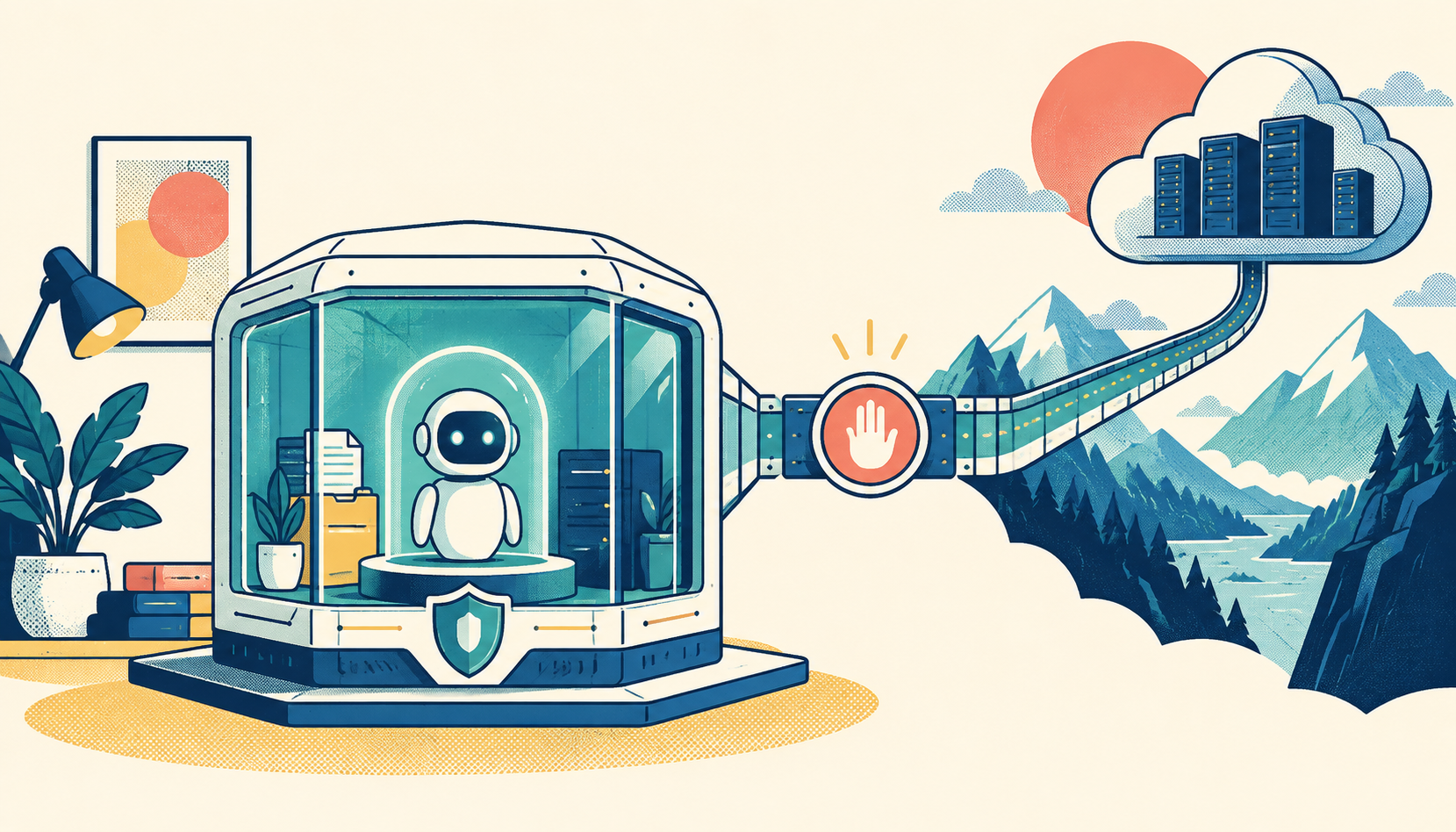
Local does not automatically mean private or secure. A workstation can leak data through logs, extensions, model downloads, administrator accounts, backups, or an agent’s tool permissions. Local deployment moves more responsibility to the customer.
Microsoft’s guidance on securing edge AI in customer-owned environments emphasizes runtime attestation, artifact provenance, deterministic action mediation, and local safeguards. In practice, verify what model and code are running, restrict the actions an agent can take, record important decisions, patch the host, and design for recovery when the device is offline or compromised.
When is cloud AI the better fit?
Cloud inference remains the sensible default for many workloads. Choose it when you need frontier reasoning, large or variable capacity, rapid experimentation across models, or a managed service that your team cannot efficiently operate itself. Cloud can also be cheaper for a low-volume workload than purchasing and maintaining dedicated hardware.
The key comparison is total cost, not just an API price. Include hardware depreciation, electricity, cooling, maintenance, model and driver updates, monitoring, support, security work, and the engineering time needed to keep the system reliable. Conversely, include cloud egress, storage, data-processing controls, minimum commitments, rate limits, and the cost of handling provider changes.
Cloud is also not a synonym for unsafe. A provider may offer stronger physical security, mature monitoring, and specialized controls than a small team can build. The relevant question is whether the provider’s contract, controls, region, retention behavior, and operational model meet your requirements.
Why hybrid AI is often the practical answer
A hybrid architecture separates sensitive, latency-critical, or deterministic steps from tasks that benefit from larger models. For example, a local service could ingest documents, perform redaction, retrieve approved records, enforce policy, and assemble a minimal context. A cloud model could then handle a difficult synthesis task, with the local service validating the response before an action is taken.
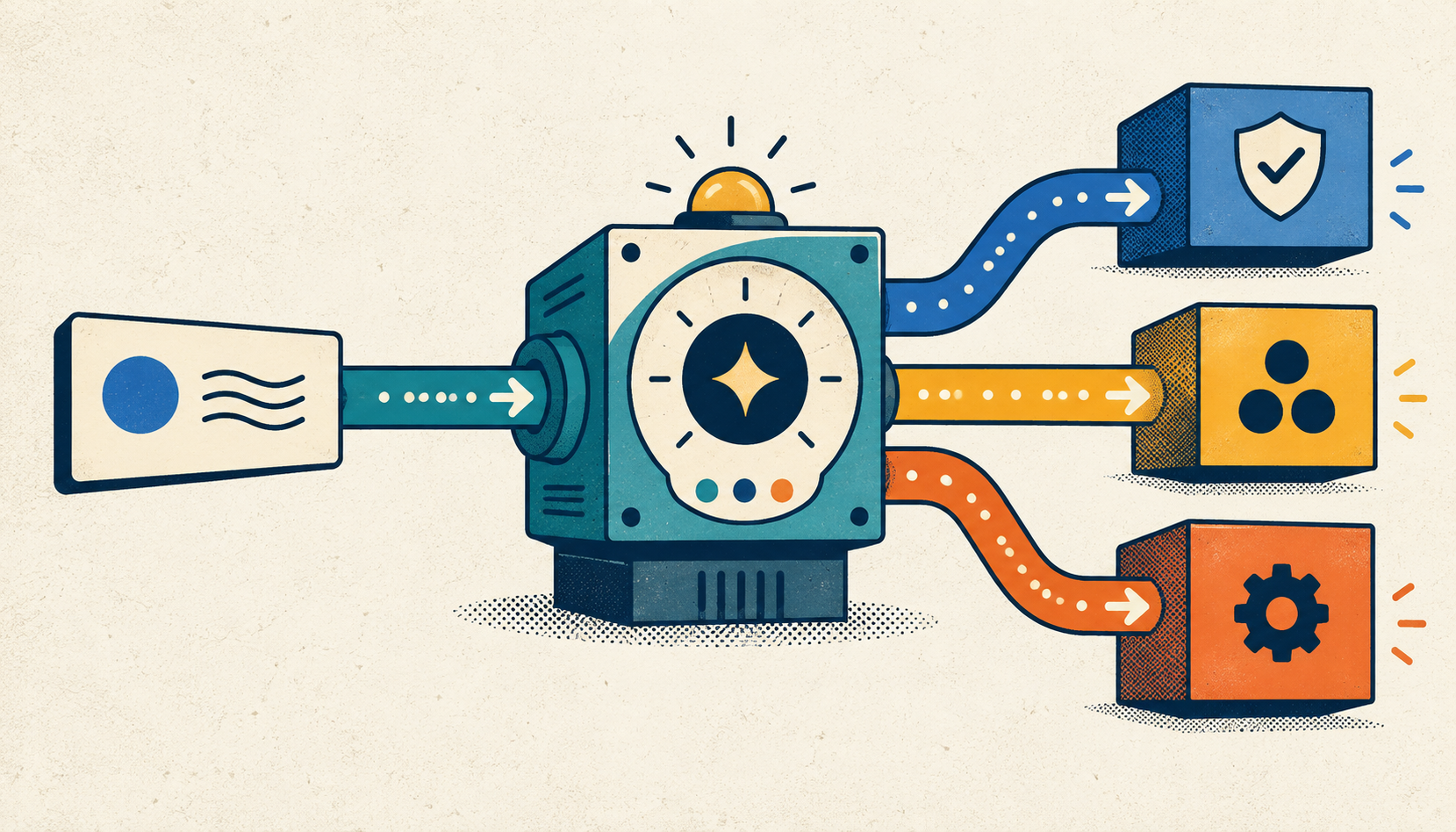
Another pattern is escalation. Start with a local model for routine requests. Escalate only when confidence is low, context is unusually large, or the task requires capabilities unavailable locally. This can reduce data transfer and cloud usage, but it introduces routing and evaluation complexity.
Hybrid systems need clear failure behavior. What happens if the cloud is unavailable? Can a local model answer safely, or should the workflow stop? What happens if the local model is updated? Can you reproduce a decision made last month? Define those answers before rollout, and measure quality and latency by workload rather than by model size alone.
A simple decision framework
- Classify the task. Separate chat, extraction, retrieval, coding, forecasting, agent actions, and high-stakes decisions.
- Set the constraints. Record data residency, offline needs, acceptable latency, concurrency, uptime, and action-risk requirements.
- Estimate the real memory footprint. Include weights, quantization, context, runtime overhead, retrieval, tools, and concurrent users.
- Test the complete workflow. Measure answer quality, time to first token, total latency, failure rate, energy, and behavior under load.
- Choose the smallest reliable deployment. A larger model is not automatically better if a smaller model meets the acceptance criteria.
- Add escalation deliberately. Define when a request moves to another model or environment and what data is allowed to move with it.
- Secure the whole system. Protect model artifacts, credentials, logs, update paths, tool calls, and physical hosts.
For a developer exploring local LLMs, begin with an existing RTX machine and a small, quantized model. For a team building local agents with larger context or model capacity requirements, evaluate Spark-class systems against actual workloads rather than headline specifications. For frontier reasoning, irregular traffic, or a small operations team, start in the cloud. For sensitive enterprise workflows, prototype a hybrid design with explicit redaction, routing, and action controls.
FAQ: local AI, hardware, and cloud deployment
Can AI agents run offline?
Some can. An offline agent needs a local model, local data or tools, and a safe plan for authentication, updates, and actions. Agent tasks that depend on cloud-only services will degrade or stop offline. Treat offline operation as an explicit mode with narrower permissions, not as an accidental side effect.
Is local AI cheaper than cloud AI?
Not universally. Local hardware can be economical for predictable, sustained workloads, but its total cost includes purchase, power, maintenance, security, and engineering. Cloud may be more economical for occasional or bursty use. Compare both over the same workload and time period.
What is the best hardware to run an LLM locally?
The best hardware is the least expensive system that meets your tested quality, latency, memory, concurrency, and security requirements. An ordinary RTX PC can suit smaller models. Spark-class systems target larger local workloads. Cloud is often better for frontier models or elastic scale. The answer depends on the workload, not the product label.
Is local AI more private than cloud AI?
It can reduce data movement, but privacy still depends on the complete system. Secure the host, model files, logs, credentials, update process, and agent tools. Confirm that sensitive data does not leave through telemetry, backups, plugins, or an unreviewed escalation path.
The bottom line
Local AI is no longer only a question for hobbyists choosing a graphics card. It is a workload-placement decision. Run small, repeatable, latency-sensitive, or offline tasks locally when you can secure and operate them. Use the cloud for frontier capability, burst capacity, and managed operations. Use hybrid routing when privacy and control matter but some tasks still need larger models.
Choose the architecture that meets each workload’s quality, latency, cost, governance, and safety requirements, then prove it with production measurements.